
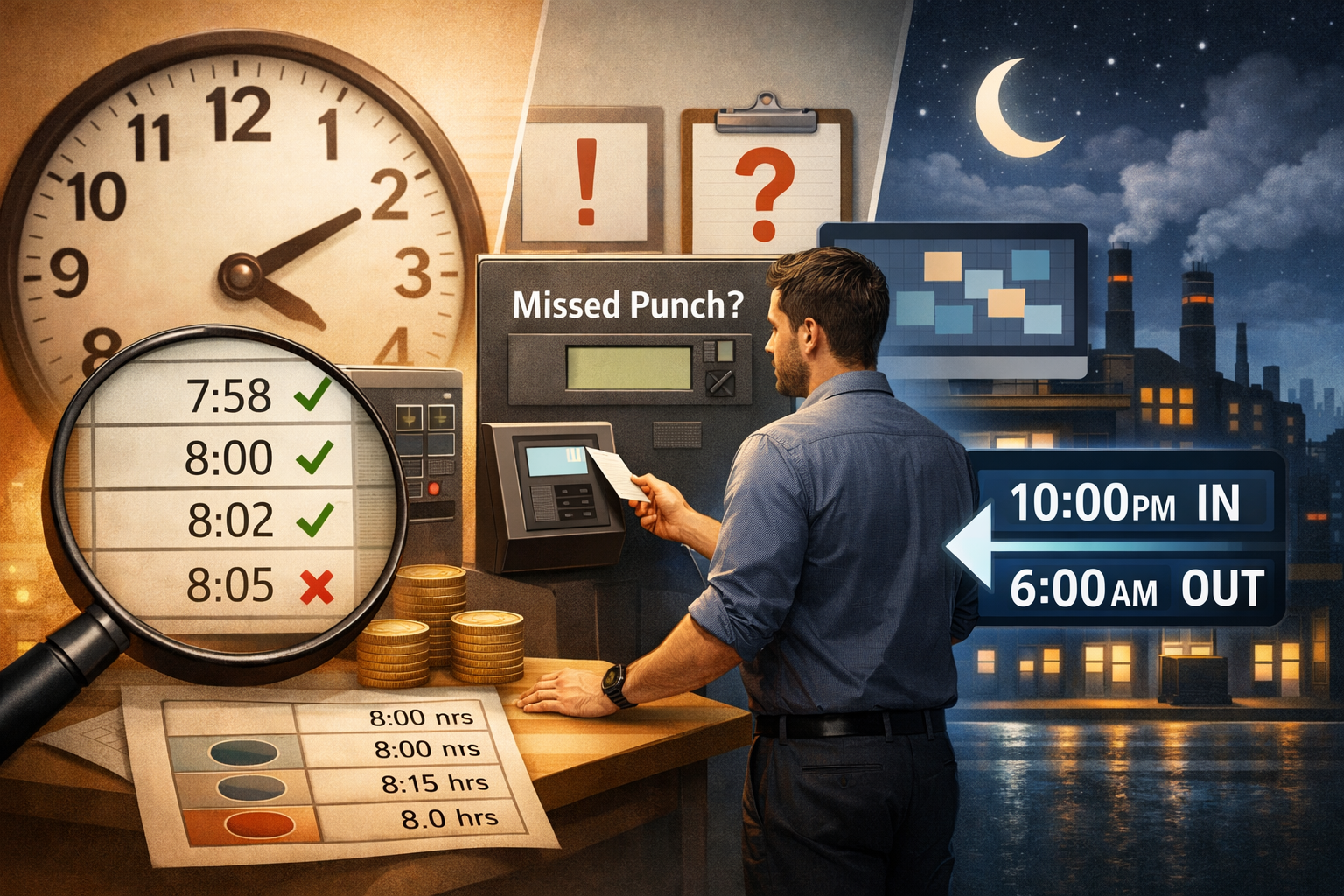
Raw data is messy. If your employees clock in at 7:58 AM, 8:02 AM, and 8:05 AM, your payroll software needs to know: are they "on time," or are they "late"?
Shift rules are the logic gates that turn those raw timestamps into clean, payroll-ready hours. When configured correctly, they eliminate the need for manual calculations and ensure every employee is treated with the same consistent standard.
Here is a breakdown of the four essential rules every business should master.
1. Grace Windows: Reducing the "Admin Noise"
A grace window is a set number of minutes an employee can deviate from their start or end time without it affecting their pay or triggering a "late" alert.
-
Why it matters: Life happens. Traffic, a slow elevator, or a quick conversation at the door shouldn't necessarily result in a payroll deduction or a disciplinary flag.
-
The Strategy: A common setup is a 5-minute grace window. If a shift starts at 8:00 AM, anyone clocking in by 8:05 AM is marked as "On Time." This keeps your "Exception List" focused on people who are significantly late, rather than minor fluctuations.
2. Rounding: Creating Predictable Totals
Rounding simplifies your totals by moving clock-in and clock-out times to the nearest specified increment (usually 15 minutes).
-
The Transparency Rule: Rounding should never be a "surprise." If your policy is to round to the nearest 15 minutes, employees should know that clocking in at 8:07 AM rounds to 8:00 AM, but 8:08 AM rounds to 8:15 AM.
-
The Benefit: It prevents "penny-chasing" in payroll. Instead of paying someone for 7 hours and 59 minutes, the system rounds to a clean 8.0 hours, making accounting much simpler.
3. Handling Missed Punches: Closing the Loop
A missed punch is an "open loop" in your data. You must decide how the system reacts when an "IN" doesn't have an "OUT."
-
Auto-Close Rules: You can set the system to automatically "clock out" an employee at their scheduled time if they forget. This keeps payroll moving, provided it is marked for manager review.
-
Exception Reporting: Instead of auto-closing, some businesses prefer the system to leave the shift "Open" and flag it on a dashboard. This forces a manager to verify the actual exit time before the data can be exported.
-
Manager Approvals: Every manual fix should require a "Reason Code" to maintain a clean audit trail.
4. Overnight Shifts: Bridging the Midnight Gap
Most basic software "resets" at midnight. This creates a nightmare where a Monday night shift is split into two separate entries on two different days.
-
Shift-Aware Pairing: Your rules should allow for "Cross-Midnight Pairing." This tells the system that an "IN" at 10:00 PM and an "OUT" at 6:00 AM belong to the same work block.
-
The Result: Your daily labor reports will accurately reflect the cost of the shift, not just the calendar day.
WorkClocking Tip: Policy First, Software Second
Before you toggle these settings, ensure your employee handbook matches your digital rules. When your physical policy and your digital system are perfectly aligned, payroll disputes virtually disappear.