
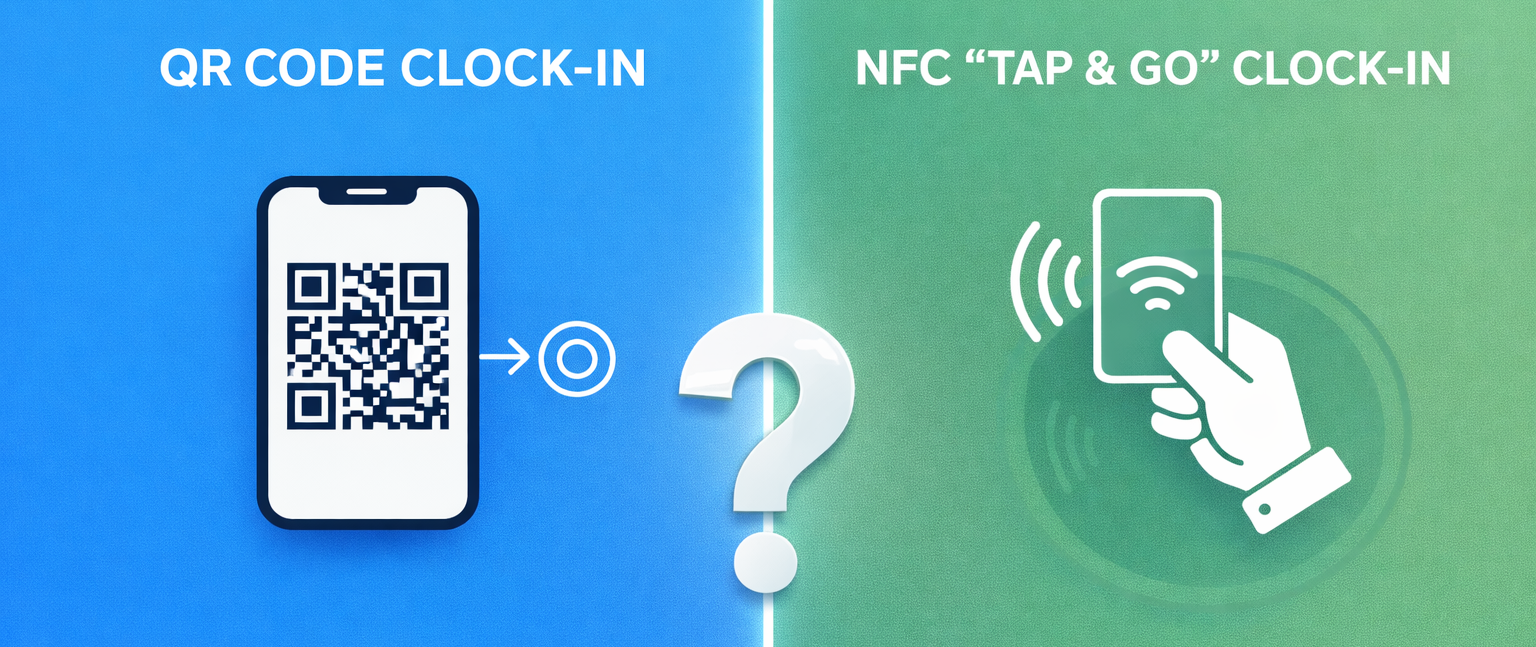
When moving away from manual timesheets, businesses often land on two primary digital contenders: QR (Quick Response) codes and NFC (Near Field Communication). Both technologies turn a simple interaction into a verified data point, but they handle the "physicality" of work very differently.
1. Speed and Throughput: The "Tap vs. Scan" Debate
In high-volume environments, every second matters. If 50 people need to clock in within a 10-minute window, a few seconds of friction per person can create a bottleneck.
-
NFC (The Fast Track): NFC is the technology behind contactless payments (like Apple Pay). It is a "tap and go" system. Employees don’t need to open an app or even unlock their phone in some cases; they just tap their badge or phone against the terminal.
-
QR (The Precise Scan): QR requires the user to align a code with a camera. While modern scanners are lightning-fast, it still requires "line-of-sight." If the lighting is poor or the employee’s screen has a heavy glare, it can take an extra moment to register.
2. Cost and Rollout: Budget vs. Infrastructure
How much are you willing to invest upfront, and how quickly do you need to scale?
-
QR (Lowest Barrier to Entry): QR is incredibly cost-effective because the "hardware" can be as simple as a piece of paper. You can print unique QR codes for every staff member and have them scan at a central tablet, or print a "Site QR" that staff scan with their own phones.
-
Best for: Multi-site retail or hospitality where you want to deploy instantly without buying 500 fobs.
-
-
NFC (The Premium Investment): NFC requires physical hardware—either NFC-enabled cards, fobs, or specific mobile devices. There is a unit cost for every tag you hand out.
-
Best for: Fixed-location businesses that want a more "professional" feel and high durability.
-
3. Security and "Buddy Punching"
Both systems are more secure than paper, but they rely on different "guardrails" to prevent employees from clocking in for each other.
-
NFC Security: It is harder to "duplicate" an NFC signal than it is to take a photo of a QR code. However, an employee could still hand their physical fob to a friend.
-
QR Security: Static QR codes can be screenshotted and sent to a friend. To prevent this, use Dynamic QR codes (which change every few seconds) or pair the scan with GPS Geofencing, ensuring the scan only counts if the employee is physically on-site.
4. Best Fit by Industry
| Industry | Recommended Method | Why? |
| Warehouse / Logistics | NFC | High durability; works even if staff are wearing gloves or in dusty environments where cameras might struggle. |
| Retail / Hospitality | QR | Low cost for high-turnover staff; easy to print new codes for seasonal workers instantly. |
| Construction | NFC (Fobs) | Ruggedness is key. Fobs on a keyring are harder to break than a smartphone screen on a job site. |
| Office / Hybrid | Either | Security rules (like IP address locking) matter more than the physical scan method. |
WorkClocking Tip: The Hybrid Approach
You don't have to choose just one. Many modern organizations use a Hybrid System. For example, your permanent warehouse staff might use NFC fobs for speed, while temporary contractors use a QR code sent to their email for easy, hardware-free access.