
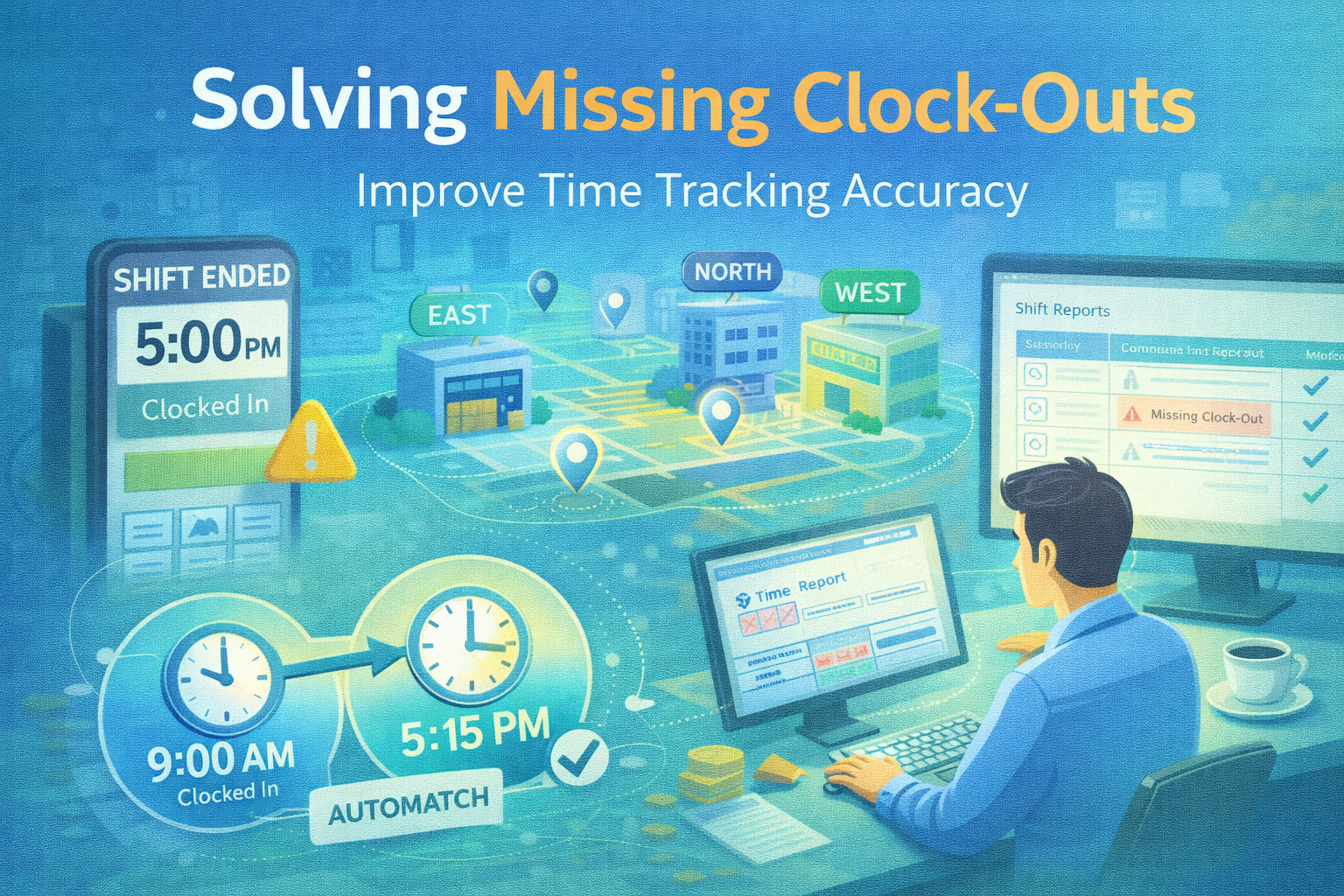
When an employee forgets to clock out, it’s rarely a malicious act—it’s usually a failure of the environment or the system. However, the result is the same: a "ghost shift" that creates hours of manual detective work for payroll admins.
To fix the "open shift" problem, you have to move away from chasing people and toward a system that handles human error automatically. Here is how to elaborate on those five key fixes.
1. Make Clock-Out the "Path of Least Resistance"
Human behavior is dictated by flow. If your clocking terminal is tucked away in a back office, an employee who is tired at the end of a shift will naturally walk straight to the exit instead of doubling back to clock out.
-
The Exit Path Strategy: Place your tablets or terminals exactly where people leave the building. If they have to physically walk past the device to reach their car or the bus stop, the visual cue acts as a subconscious reminder.
-
The "Exit Only" Tablet: In larger facilities, have dedicated "Entry" and "Exit" terminals. This prevents bottlenecks and reinforces the habit: "I pass this gate, I tap my badge."
2. Shift-Based Pairing (The "In/Out" Logic)
Basic spreadsheets treat every "punch" as an isolated event. A smart system uses Shift-Based Pairing, which expects every "In" to have a matching "Out."
-
Identifying the Gaps: Instead of a manager looking at a list of 500 punches, the system should only show Exceptions. If an "In" punch doesn't have an "Out" within 12 hours, it's flagged.
-
The Exception List vs. The Haystack: Managers shouldn't be auditors. They should only be alerted when the "pairing" fails, allowing them to focus on the 2% of errors rather than the 98% of correct data.
3. Apply Sensible Automation Rules
A digital system should do the "heavy lifting" of making common-sense adjustments based on your company policy.
-
Grace Windows: If an employee is scheduled for 8:00 AM but clocks in at 8:03 AM, does it matter? Setting a 5-minute grace window prevents "nickel and diming" disputes and keeps the data clean.
-
Auto-Close Rules: If someone misses a clock-out, the system can automatically "close" the shift at their scheduled end time, but mark it with a "Pending Review" status. This prevents a single forgotten punch from creating a 24-hour workday in the payroll export.
4. The Power of the "Today" Dashboard
The best time to fix a missing clock-out is five minutes after it happened, not five days later during the Friday payroll rush.
-
Real-Time Accountability: A "Today" dashboard shows managers who is currently on-site, who was late, and who is "overdue" for a clock-out.
-
Daily Hygiene: If a manager sees an "Open Shift" at 6:00 PM for a worker who left at 5:00 PM, they can ask the person next door or send a quick text to verify, fixing the error while the memory is fresh.
5. Transparency Through Audit Trails
Trust is built when employees know that their hours aren't being "messed with" behind closed doors.
-
The "Who, When, Why": Every time a manager fixes a missed clock-out, the system must record it.
-
Manager A changed Clock-Out from [Null] to at 18:30. * Reason: Employee forgot to punch.
-
-
Mutual Protection: This trail protects the manager from accusations of "shaving hours" and protects the company during a labor audit.
WorkClocking Tip: Role-Based Access
Ensure your system uses Role-Based Access Control (RBAC). While a shift lead might need to see who is on-site, only a senior manager or payroll admin should have the "Write Access" to change a punch. This prevents unauthorized "buddy-fixes" and keeps your data's integrity high.